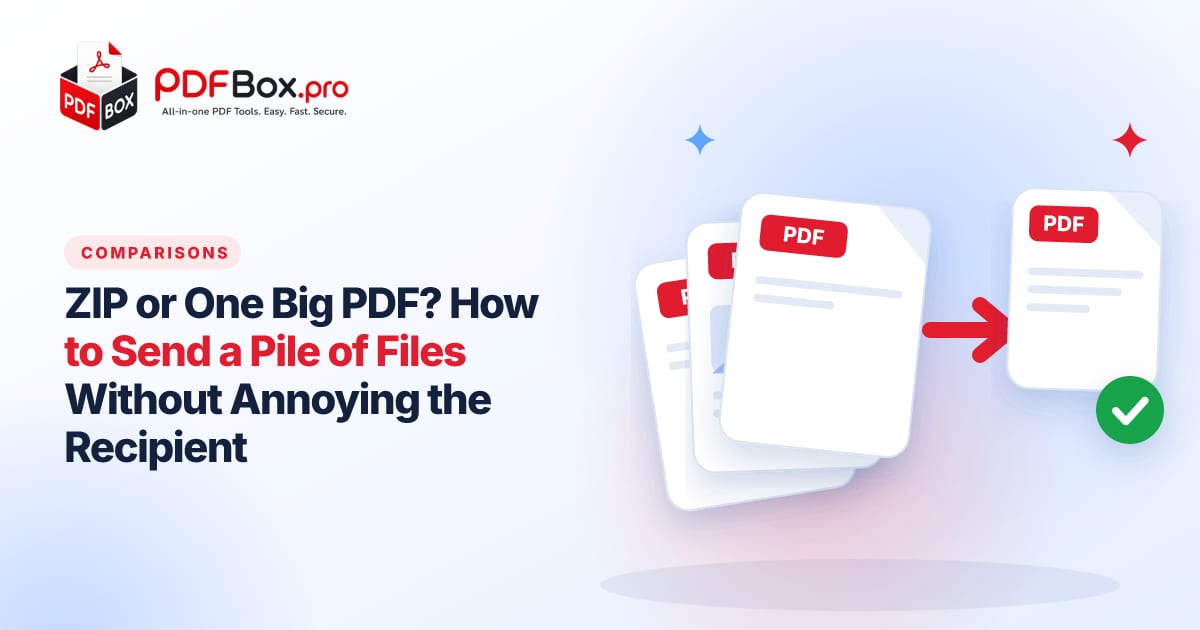
You've got a contract, two receipts, a photo of your ID and a spreadsheet, and exactly one email to send them in. You can bundle everything into a ZIP, or fold what you can into a single PDF. Both work. But they work very differently for the person on the other end, and picking the wrong one is how you end up with a reply that says, "I can't open this." Here's a quick way to choose, and how to do either one in a couple of minutes.
What's the real difference between a ZIP and a merged PDF?
A ZIP is a box. It holds your files exactly as they are: a Word document stays a Word document, a spreadsheet stays a spreadsheet, a photo stays a photo. The recipient has to open the box first, then open each item inside.
A merged PDF is a single booklet. Everything becomes pages in one document that opens the same way on a phone, a laptop or an old office PC, and it keeps its layout wherever it lands.
So the question is never "which is better?" It's "does the person need to read these, or work with them?"
A quick example: a freelancer sending an invoice, a signed agreement and a logo pack. The invoice and agreement are for reading, so they go into one PDF. The logo pack is meant to be used, so it travels as a ZIP. Same email, two different answers, because the files have two different jobs.
When is a merged PDF the better choice?
Reach for a merged PDF when the files are going to be read, reviewed or filed, and nobody needs to edit them. Think of anything that goes through a person or a portal:
- Job applications: cover letter, CV and certificates in one tidy document.
- Rental or loan paperwork: ID, payslips and references, in the order the landlord expects.
- Expense claims: a stack of receipt photos and invoices as a single attachment.
- Anything uploaded to a form that only accepts one file.
How do you turn many files into one PDF?
Start with what you have. If everything is already a PDF, the Merge PDF tool joins them in the order you choose. If you've got a mix of PDFs and photos, Merge JPG and PDF puts images and PDFs into the same document. A Word file can go through Word to PDF first.
Then do a quick sanity check before sending:
- Open the result and scroll the whole thing. Is the order right?
- Look for sideways pages. Rotate PDF fixes those in a click.
- Check the file size. If it's heavy, Compress PDF can shrink it.
A note on the order
Put the most important document first. People skim the first page and judge the rest by it. A signed agreement buried on page nine is a signed agreement someone will ask you to resend.
Try it now: Merge PDF
Free, quick, and nothing to install. Open Merge PDF →
When is a ZIP the better choice?
A ZIP wins whenever the files need to stay in their original form:
- Editable files. Word documents, spreadsheets and slides that someone will keep working on.
- Mixed file types. A design file, a font and a photo don't belong in a PDF.
- A whole folder. You want the structure to survive: folders inside folders, names untouched.
- Lots of files. Fifty photos as fifty PDF pages is awkward. Fifty photos in one ZIP is a download.
How do you make a ZIP quickly?
Open ZIP Maker, add your files, and download the single archive it gives you. Then attach that one file instead of ten.
Two small habits make a big difference. Give the ZIP a name that says what's inside, like lease-application-smith.zip, not files (3).zip. And rename the files inside before zipping, because the recipient sees those names the moment they open it.
What if someone sends you a ZIP and you just want to peek inside?
Not every device opens archives gracefully, especially some work computers and phones. ZIP Extractor lets you open one and take out the files you need.
If what you actually wanted was a single PDF from the contents, extract first, then merge. Two quick steps beat forwarding a pile of attachments.
Can you use both at once?
Yes, and it's often the cleanest option. Merge the reading material into one PDF, keep the editable files separate, and put both in a ZIP. A typical bundle might be:
application.pdf: the merged, final, read-only set.budget.xlsx: the spreadsheet they may want to tweak.photos.zipor just the photos: the originals, if anyone needs full quality.
What mistakes should you avoid?
Most "I can't open this" emails come from a handful of avoidable slips. A few worth a glance before you send:
- Zipping a single file. If there's only one PDF, just attach the PDF. A ZIP around it is an extra step for nothing.
- Mystery file names.
scan0042.pdftells the reader nothing.passport-copy.pdfdoes. - Merging in the wrong order. Re-check the page order after merging; it takes ten seconds and saves an awkward resend.
- Forgetting the second look. Open the final file the way your recipient will, not the way you built it.
- Sending the huge original. Photos straight from a phone camera can be enormous. Compress before you attach.
A quick decision checklist
Run through these before you hit send:
- Will they read it only? Merged PDF.
- Will they edit it? ZIP.
- Does the upload form accept one file only? Merged PDF.
- Is it a folder with a structure? ZIP.
- Is the total size big for email? Compress the PDFs first, or share a download link instead.
- Does it hold personal details? Add a password with Protect PDF, and in general avoid uploading highly sensitive documents to any website.
The takeaway
Think of the recipient first. A busy person reviewing paperwork wants one document they can scroll. A colleague who has to keep working wants the original files, safely boxed. Choose for them, give the attachment a sensible name, and you've just saved yourself a follow-up email.
Everything above runs on free tools, no software to install: Merge PDF, ZIP Maker and ZIP Extractor are all a click away.
Frequently asked questions
Is it better to send a ZIP or a PDF?
Send a merged PDF when the recipient only needs to read or file the documents. Send a ZIP when they need the original, editable files or a whole folder with its structure intact.
How do I combine several files into one PDF?
Convert anything that isn't a PDF first (for example with Word to PDF), then use Merge PDF or Merge JPG and PDF to join everything in the order you want, and download the single file.
Why can't my recipient open my ZIP file?
Some phones and locked-down work computers don't open archives easily, and some email systems block ZIP attachments. If that happens, send a merged PDF instead, or ask them to use a ZIP extractor.
Back to all posts