
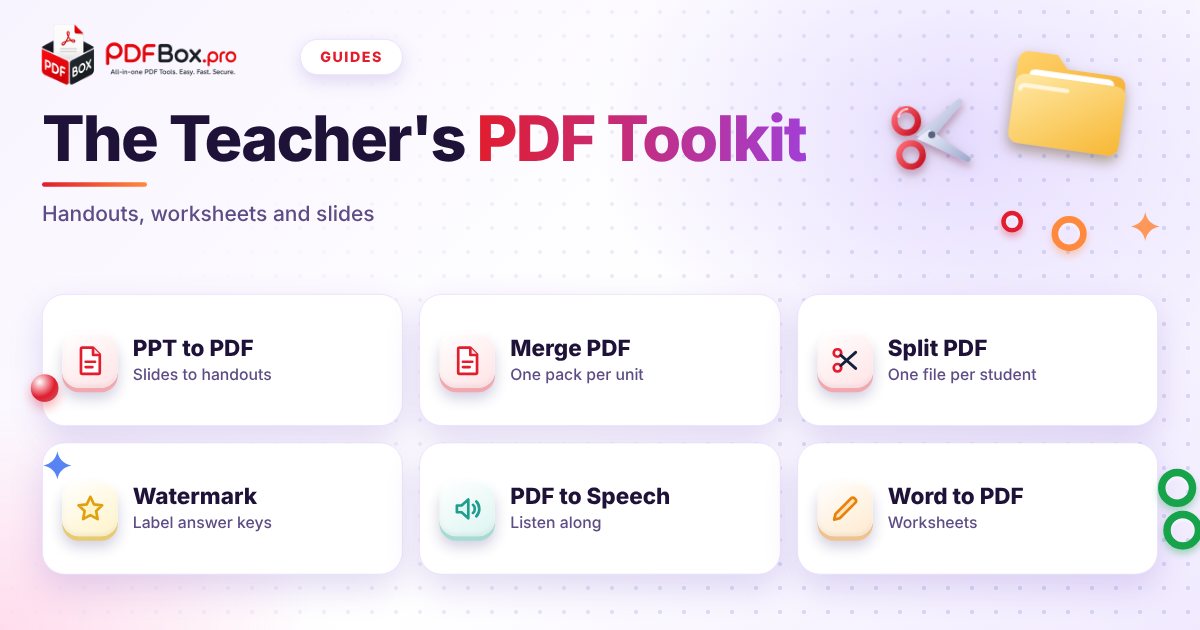
It is Sunday evening. You have a slide deck, three worksheets in different formats, a reading list the whole class needs, and a school portal that only wants one tidy file. Nobody trained you to be a part-time document wrangler, but here you are. The good news: a handful of PDF jobs cover almost everything a teacher does with files. This is a practical walk through those jobs, in the order they usually come up, with the free PDFbox tool for each one.
Why do teachers end up with PDFs for everything?
Because a PDF looks the same on the classroom projector, a student's phone and a parent's laptop. A Word file or slide deck can shift fonts and spacing depending on what is installed. A PDF is the "print it exactly like this" version of a document.
That predictability is what you want for anything you hand out. The rest of this guide is about getting your material into that shape, trimming it to size, and making it work for more of your students.
How do I turn my slides into a handout?
Students who photograph the board at 3x zoom are telling you something: they want the slides. Sharing the original deck invites edits and broken animations, so convert it instead.
Upload the deck to PPT to PDF, download the result and check it page by page before sharing. Look at slide one, a slide with an image, and the last slide. If a diagram looks off, fix it in the deck and convert again; it takes seconds.
- Rename the file with the unit and date, such as Unit3-Fractions-Slides.pdf, so it is findable in a month.
- Skip speaker notes you would not want students to read.
- Keep the editable deck for yourself; the PDF is the copy for sharing.
What about worksheets I wrote in Word?
Same idea. Run them through Word to PDF before sending home. That stops a worksheet from reflowing onto an extra page just because a student's device lacks your font.
Try it now: Word to PDF
Free, quick, and nothing to install. Open Word to PDF →
If you have a stack of worksheets for one unit, merge them into a single pack with Merge PDF so students download one file instead of five. Put them in the order you will use them in class.
How do I send each student only their own pages?
Say you scan a pile of marked tests or portfolio pages into one long PDF. Emailing the whole thing to everyone is a privacy slip waiting to happen.
Open Split PDF, cut the file into separate parts, and send each student only their own. Check the page count before you split: if each student has two pages, you want cuts after every second page.
Whatever you send, a general rule applies to any website, this one included: avoid uploading highly sensitive documents, such as records with health or safeguarding details. Check your school's policy on student data before you use any online tool.
How can I mark a test or answer key so it does not get mixed up?
Every teacher has photocopied the answer key by accident. A big, obvious label prevents it.
Use Watermark PDF to put a word like DRAFT, ANSWER KEY or TEACHER COPY across every page. It is one extra step, and it is far easier than explaining to a class why the answers were in their folder.
- Student version: no watermark, or a light one with the class name.
- Teacher version: a clear ANSWER KEY across each page.
- Drafts shared with colleagues: DRAFT until you are happy.
Can students listen to a reading instead of just reading it?
For some students, hearing text while following along makes the difference between giving up and getting through. That includes students who find long passages tiring, are learning English, or simply take things in better by ear.
PDF to Speech reads a PDF aloud. Point students to it for long readings, or try it yourself on tomorrow's passage to hear where the pacing drags.
One caveat: it reads text that is actually in the file. A scan that is just a photo of a page may have no readable text, so test your file first.
What is a sensible weekly routine?
You do not need a system. You need five habits you can repeat without thinking:
- Convert slides and worksheets to PDF before sharing.
- Merge a unit's materials into one pack, in teaching order.
- Label tests and keys with a watermark.
- Split anything that contains individual students' work.
- Preview the final file before you hit send.
Which mistakes catch teachers out most?
Most of them are about sending the wrong thing, not about the tools:
- Sharing the editable file when you meant to share a finished copy.
- Forgetting to open the final PDF and finding a missing page on Monday morning.
- Sending a combined class file with other students' names in it.
- Naming everything Worksheet-final-FINAL-2.pdf.
Frequently asked questions
How do I turn a PowerPoint into a PDF handout?
Upload the deck to the PPT to PDF tool, download the PDF and flip through it to check the layout. Keep the original deck for editing and share only the PDF.
Can I split one PDF into separate files for each student?
Yes. Use the Split PDF tool to cut a long file into parts, then send each student only their own. Check your school's data policy before using any online tool with student work.
How can I stop students mixing up the answer key and the worksheet?
Add a clear watermark such as ANSWER KEY or TEACHER COPY to every page of the key with the Watermark PDF tool, and keep the student version unmarked.
Back to all posts