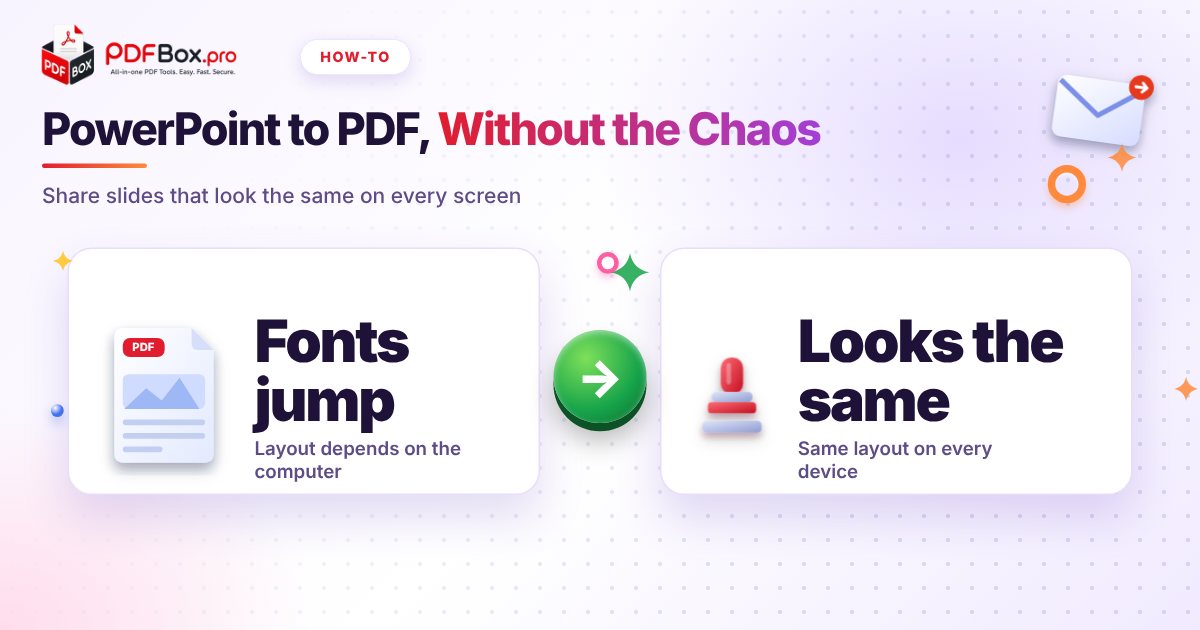
You spend two evenings on a deck. Everything lines up. Then you email the .pptx, and on your colleague's laptop the title wraps onto three lines, the font turns into something that looks like a ransom note, and one image has wandered off the slide. Nobody did anything wrong. PowerPoint just draws slides using whatever fonts and settings are on the computer in front of it. A PDF does not have that problem, which is why it is the format to send when the slides are finished. This guide covers when to send a PDF, how to make a clean one, how to shrink it, and what to do in the awkward reverse case, when all you have is a PDF and you need slides.
Why do my slides look different on someone else's computer?
A .pptx file is a set of instructions, not a picture: "put this text in this font here, place that image there." The program opening it has to follow those instructions with what it has. If your font is not installed, it substitutes another one, and a different-width font means different line breaks, which pushes other things around.
A PDF stores the finished page instead. It keeps its layout on any device, so what you see is what they see. That is the whole reason to convert before sending.
When should I send a PDF instead of the original deck?
Rule of thumb: send the PDF when people only need to read, and send the .pptx when they need to change something.
A PDF is the right call for:
- Handouts after a talk or lecture
- Proposals and pitch decks going to a client or investor
- Anything being printed, since page breaks will not move
- Slides that should not be casually edited by the recipient
- Posting on a course page or intranet
How do I turn a PowerPoint into a PDF?
Open the PPT to PDF tool, add your presentation, run the conversion and download the result. There is nothing to install.
Then do the step most people skip: open the PDF and flip through every page before you send it. A PDF viewer is enough; the PDF Viewer on this site works fine. You are checking three things: text did not reflow, images are where you left them, and nothing is cut off at the edges. Thirty seconds now beats an embarrassing reply-all later.
What will not survive the trip to PDF?
A PDF is a static document, so anything that depends on movement stays behind. That is normal, but plan for it:
- Animations and transitions do not play. If a slide only makes sense after three clicks, rebuild it so the key point is visible at a glance.
- Embedded video and audio will not play inside the PDF. Link to the recording instead.
- Slides with hidden or stacked content can look cluttered when everything shows at once. Check the ones you animated most.
- Speaker notes are meant for you, not your audience. Look at the result and make sure you are not sending something you meant to keep private.
How do I keep the PDF small enough to email?
Decks are image-heavy, so the PDF can get big fast. If your mail app complains, run it through Compress PDF and compare the before and after sizes.
Try it now: Compress PDF
Free, quick, and nothing to install. Open Compress PDF →
Compression trades some image detail for size, so check any slide with a detailed chart or small text afterwards. If the result is too soft, you can also shrink the images inside the original deck before converting, which gives you more control.
A quick workflow for students and freelancers
Students: build the deck, convert it with PPT to PDF, and upload the PDF to the course page. Your classmates get readable slides, and your layout survives whatever laptop the lecturer plugs in. Keep the .pptx on a USB stick or in your cloud folder as a backup for the day the projector is fussy.
Freelancers: send the PDF with the proposal, and keep the editable deck for revisions. When the client asks for "just one small change," you edit the original and convert again, so there is only ever one source of truth. Name each export with a date or version so nobody opens the wrong one.
Teams: agree on one rule, such as "PDF for reading, deck for editing." It sounds boring, and it prevents the classic mess of five slightly different copies floating around an inbox.
What if the deck is too long for the audience?
Often the PDF you send is not the whole deck. A client does not need your twelve backup slides, and a classmate only needs slides 4 to 9.
Use Extract PDF Pages to keep only the pages you want, or Remove PDF Pages to cut the ones you do not. Do this after converting, and your original deck stays untouched.
How do I get a PDF back into PowerPoint?
It happens: someone sends you slides as a PDF, the original file is gone, and you have to present or tweak them. PDF to PPT converts the PDF into a presentation you can open and edit.
Set your expectations honestly. A PDF stores a finished page, not the original slide structure, so converting back is a rebuild and not a perfect undo. Expect to spend a few minutes tidying: check fonts, spacing and any text that got split into odd pieces, and look at every slide before presenting.
If you only need to show the slides, skip conversion entirely and present straight from the PDF in full-screen mode. It is faster and nothing can shift.
Common mistakes to avoid
A short checklist before you hit send:
- Sending the PDF without opening it first
- Forgetting that animations are gone and slides now need to stand alone
- Leaving draft comments or notes in the deck you converted
- Using a vague file name like final_v7.pdf. Try "Q3-proposal-Acme.pdf"
- Uploading a deck full of confidential figures to any website. As a general habit, avoid uploading highly sensitive documents to any online tool
Frequently asked questions
How do I convert a PowerPoint to PDF for free?
Use the free PPT to PDF tool on PDFbox: add your .pptx file, convert it and download the PDF. Open the result and scroll through it before sending to make sure the layout looks right.
Why does my PDF look different from my PowerPoint?
Most often it is fonts. If a font used in the deck is not available during conversion, a substitute is used and the text can reflow. Animations and video also do not carry over, because a PDF is a static document.
Can I edit a PDF as a PowerPoint?
You can convert it with a PDF to PPT tool and then edit the result in PowerPoint, but expect some cleanup. A PDF does not keep the original slide structure, so check fonts, spacing and text boxes on every slide.
Back to all posts