
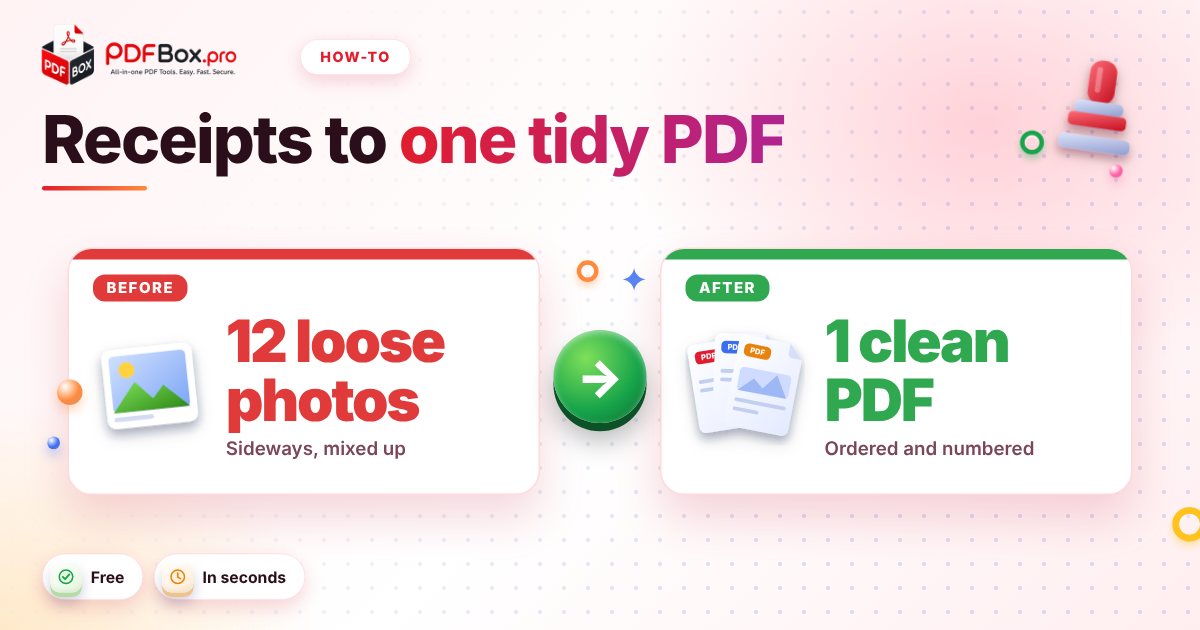
You get back from the trip with a phone full of receipt photos: a taxi, two lunches, a hotel folio, one parking stub that's mostly thumb. Finance wants it "as a single PDF, please." Sending twelve separate attachments is how reports get lost, rejected, or reimbursed three weeks late. Good news: this is a five-minute job with free tools and no software to install. Here's the routine, in the order that avoids the usual headaches.
Why does finance ask for one PDF instead of loose photos?
Because a single file is easy to file, forward, and approve. Loose photos arrive in random order, with names like IMG_4471.jpg, some sideways, some in formats a finance system may not accept. One PDF keeps everything in the order you chose, on every device. PDF stands for Portable Document Format, and keeping the layout the same everywhere is exactly what it was built for.
It also protects you. If someone asks "where's the hotel receipt?", you can say "page 4" instead of digging through an email thread.
What should you do before you convert anything?
Spend two minutes on prep. It saves you from redoing the whole thing later.
Check each photo while it's still on your phone. Can you read the total, the date and the vendor name? If not, retake it now, while you still remember where the receipt is.
- Retake blurry or cropped shots: a total you can't read is a receipt that gets bounced.
- Put receipts in the order your report uses (by date is the safest default).
- Rename the files 01, 02, 03... so they sort correctly when you pick them.
- Keep paper originals until the report is approved, in case finance asks.
- Take the photo on the day you pay. Receipts have a way of vanishing in coat pockets and washing machines.
How do you turn receipt photos into a PDF?
Open JPG to PDF, add your photos, and convert. You'll get a PDF with your images inside it, ready for the next steps.
If some of your receipts are already PDFs (an e-ticket, an emailed invoice, a hotel folio), don't convert them one by one. Merge JPG and PDF takes photos and PDFs together and puts them into one file, so a mixed pile becomes a single document in one go.
Taking photos on a phone? Hold it directly above the receipt on a plain surface. Flat, well-lit shots look much better on the page and are easier for a human to check.
What if some pages come out sideways or upside down?
It happens a lot with phone photos, especially long, narrow receipts you shot in landscape. Open the combined file in the PDF Viewer and flip through it once. If a page is sideways, Rotate PDF lets you turn the pages that need it, so nobody has to tilt their head to read a taxi fare.
Need a different order? Drag pages around with Organize PDF. Remember, you can also drop a duplicate or a blank page there rather than starting over.
Should you add page numbers?
Yes, and it's the cheapest professionalism upgrade there is. With Add Page Numbers, every receipt gets a number, and your expense table can refer to it: "Taxi, 14 May, p. 3." Finance can find a line in seconds, and if a page goes missing, the gap is obvious.
If your report is a form plus receipts, merge them first, then number the whole thing so the numbering runs straight through.
How do you keep the file small enough to send?
Photos are the heavy part. A dozen full-resolution phone shots can make a PDF that bounces off an email size limit. Run the finished file through Compress PDF and check the result before you send it.
Always look at the compressed version, not just the file size. Zoom in on a few receipts in the viewer and confirm the totals and dates are still readable. If they're not, use a lighter setting or send the original.
Try it now: Compress PDF
Free, quick, and nothing to install. Open Compress PDF →
What if the receipts are a mix of photos, PDFs and emails?
That's the normal case, not the exception. The airline sends a PDF, the hotel sends a link, the coffee shop hands you a slip of paper. Gather everything in one folder first: photos from your camera roll, PDFs from your inbox, and anything you saved as a screenshot.
Then let Merge JPG and PDF do the heavy lifting. Add the files in the order you want them, and the tool builds one document. If you'd rather keep the order flexible, merge first and fix it afterwards in Organize PDF.
One small tip: put a summary page first. Even a simple list of date, vendor and amount lets the reader see the whole story before they dive into the receipts. You can build it in Word, save it as a PDF with Word to PDF, and merge it in as page one.
What are the common mistakes to avoid?
Most rejected expense reports fail for boring reasons. A short list:
- Unreadable totals. Tiny faded thermal-paper receipts need a bright, flat photo.
- Missing pages. Count them against your expense table before sending.
- A scrambled order. Match the order of your list; it speeds up approval.
- Personal items on the same receipt. Check your company's policy on this before you submit.
- Sensitive details. Card numbers and personal data can appear on receipts. As a general rule, avoid uploading highly sensitive documents to any website.
What's the five-minute routine, start to finish?
Photograph and check the receipts, convert or merge them into one PDF, rotate anything sideways, add page numbers, compress if it's heavy, and give the file a clear name such as expenses-march-trip.pdf. Open it once as the reader would, scroll through, and send.
Next month, the whole thing takes less time than finding your receipts did. And if you travel a lot, save the steps as a checklist on your phone: photograph at the till, drop the photos in a folder per trip, and build the PDF on the plane home.
Habits beat heroics here. The people whose expenses get paid fastest are rarely the ones with the fanciest tools; they're the ones who photograph each receipt on the day, while the paper is still in their pocket and the details are still fresh.
Frequently asked questions
How do I combine multiple receipt photos into one PDF?
Add them to the JPG to PDF tool and convert, or use Merge JPG and PDF if some of your receipts are already PDFs. Check the page order before you download the result.
Why is my expense report PDF so big?
Full-resolution phone photos are large, and a PDF full of them adds up quickly. Compress the finished file, then zoom in to make sure the receipts are still readable before you send it.
Can I fix receipt pages that are sideways in a PDF?
Yes. Open the file in a PDF viewer to spot them, then use the Rotate PDF tool to turn only the pages that need it and download the corrected file.
Back to all posts