You have a PDF full of useful stuff: a class handout, a product spec, a recipe collection, a policy document. And you want it somewhere you can actually work with it: your notes app, a team wiki, a GitHub README. Copy-pasting from a PDF usually gives you broken lines, stray page numbers and headings that look like any other sentence. Markdown is the fix. It's plain text with a few simple symbols, so it pastes cleanly almost anywhere. This guide shows how to get from PDF to Markdown in a few minutes, what to tidy up afterwards, and when another format is the smarter choice.
What is Markdown, and why would you want your PDF in it?
Markdown is a way of writing formatted text using ordinary characters. A line starting with # is a heading, double asterisks make bold text, and a dash at the start of a line becomes a bullet. Because it's just text, a Markdown file is tiny, opens in any editor and survives being copied between apps.
A PDF is the opposite. It's built to look identical everywhere, which is great for sharing and terrible for reusing. The text is positioned on the page rather than flowing, so the structure you can see (headings, lists, tables) isn't something your notes app can read.
- Notes apps and wikis that understand Markdown: paste once, get real headings and lists.
- README files and documentation sites: Markdown is the standard format.
- Search and editing: text you can search, reword and reorganise freely.
- Version tracking: plain text files are easy to compare, line by line, when something changes.
How do you convert a PDF to Markdown?
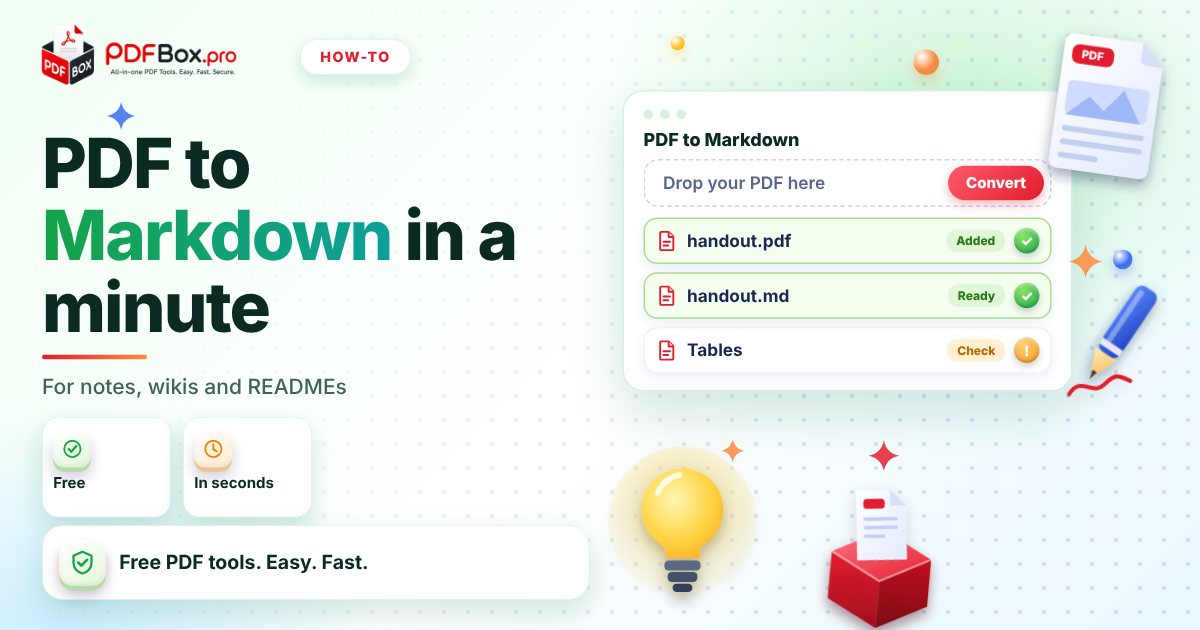
The whole job takes about a minute with the free PDF to Markdown tool on PDFbox.pro:
- Open the PDF to Markdown tool and add your PDF.
- Press the convert button and wait a few seconds.
- Download the .md file, or copy the result.
- Open it in your notes app or any text editor and give it a quick read.
Will the result be perfect? What to check afterwards
Be realistic: a PDF doesn't store "this is a heading" the way a Markdown file does, so any converter has to make educated guesses from how the page looks. Expect a good starting point, not a finished document. Plan a five-minute cleanup pass, and read the file next to the original PDF if accuracy matters.
Here is what's worth a look every time:
- Headings: are the big titles marked with
#, and are sub-headings one level below? - Lists: do bullet points and numbered steps still start on their own lines?
- Tables: complicated tables are the most likely thing to need hand-fixing.
- Headers, footers and page numbers: these repeat on every page and can end up sprinkled through the text. Delete them.
- Hyphenated words: a word split across two lines in the PDF may come out in two pieces.
Why is my converted file empty or full of gibberish?
If the output is blank, the PDF is probably a scan or a photo saved as a PDF. To a computer, each page is just a picture, with no text inside to extract. You can tell in seconds: open the file in the PDF Viewer and try to select a sentence with your mouse. If you can't highlight individual words, there's no text layer.
Garbled symbols usually mean the PDF was created with unusual fonts. In that case, try the plain-text route below, or ask whoever made the file for the original document, which will always convert more cleanly than a PDF.
Markdown, plain text or Word: which should you pick?
Markdown is not always the right answer. A quick way to decide is to ask where the content is going next.
- Markdown (PDF to Markdown): the content is going into notes, a wiki, documentation or a README, and you want headings and lists kept.
- Plain text (PDF to Text): you only need the words, for example to search, quote or paste into an email. No formatting symbols to clean up.
- Word (PDF to Word): you want to edit the document and keep it looking like a document, with fonts, spacing and a page layout.
How do you get a cleaner conversion in the first place?
A little prep on the PDF side makes the Markdown noticeably tidier.
Start by removing what you don't need. A cover page, an appendix of legal text or a pile of blank pages all turn into clutter you'd only delete later. The Remove PDF Pages tool strips them out first. If the PDF has wide scanner borders or odd margins, Crop PDF can trim them.
Convert only the part you need, too. A 60-page report converted whole gives you a 60-page cleanup job. If you only need chapter three, pull that out first and convert the smaller file.
Three real-life ways to use it
A student has lecture handouts as PDFs. Converted to Markdown, they drop into a notes app where headings become a navigable outline and the student can add their own comments underneath.
A small team keeps an onboarding guide as a PDF that nobody updates because editing it is a pain. Converted to Markdown and moved into the team wiki, it becomes a living page anyone can fix.
A developer or maker has a project description as a PDF and needs a README. The Markdown output is a ready first draft: add a title, trim the extras and commit.
A quick note on what you upload
As with any website, it's sensible to avoid uploading highly sensitive documents, such as ID scans or private contracts. For handouts, manuals and public documents, convert freely. And only convert files you have the right to reuse: a PDF being easy to convert doesn't make the content yours to republish.
Frequently asked questions
How do I convert a PDF to Markdown for free?
Open the PDF to Markdown tool on PDFbox.pro, add your PDF, press the convert button and download the .md file. The tool is free to use.
Can I convert a scanned PDF to Markdown?
Only if the PDF contains real text. A scan is a picture of a page, so there is no text to extract. Open the file in a PDF viewer and try selecting a word: if you can't, there is no text layer to convert.
What is the difference between PDF to Markdown and PDF to text?
Markdown tries to keep structure such as headings and lists using simple symbols, which suits notes, wikis and READMEs. Plain text gives you only the words with no formatting, which suits searching, quoting or pasting into an email.
Back to all posts