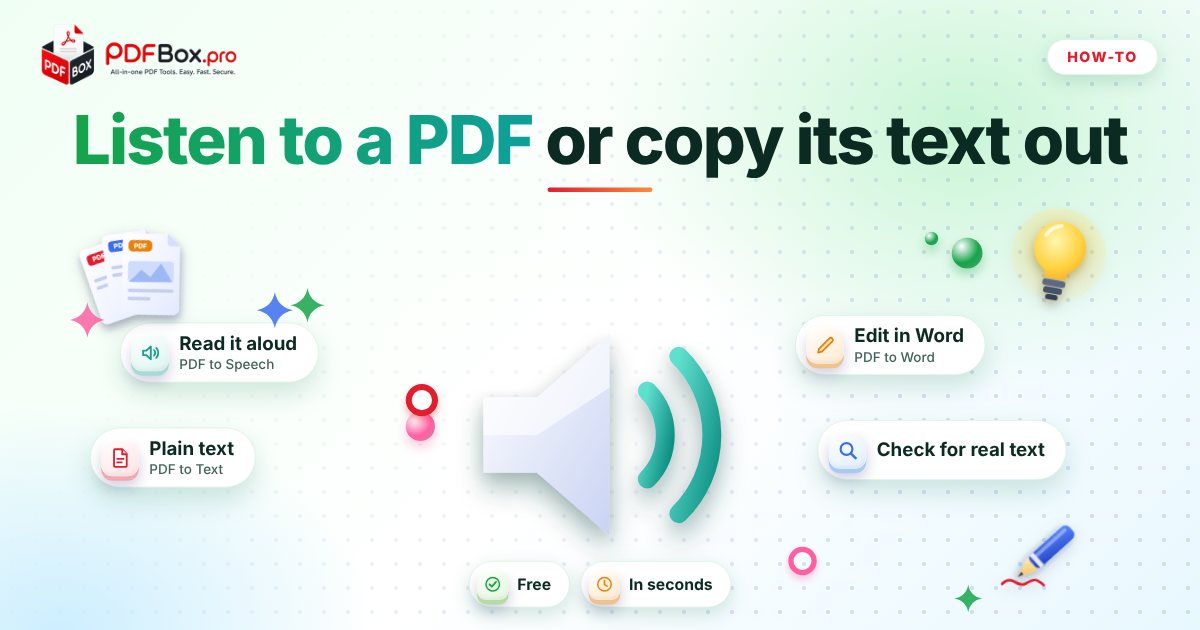
You have a 40-page PDF to get through and about as much attention as a goldfish on a Monday. Or you need three paragraphs from a report in an email, and copying from the PDF gives you a mess of broken lines. Both problems have the same root: the words are trapped inside a PDF, and you want them out. There are two good ways to free them. You can have the file read aloud to you, or you can pull the text into a plain file you can paste anywhere. This guide covers both, when each one wins, and the one catch that trips people up.
Why is text so awkward to get out of a PDF?
A PDF is built to look the same on every device. That's its superpower, and also the reason copying is clumsy. The file stores where each line sits on the page, not a flowing paragraph. So when you select and copy, you often get a line break at the end of every row, odd gaps where columns were, and page numbers stuck in the middle of sentences.
The fix is not to fight the file by hand. It's to run it through a tool that reads the text layer in order and hands it back clean, either as audio or as a plain text file.
What's the quickest way to have a PDF read aloud?
Open PDF to Speech, add your file, and press play. The tool reads the document aloud, so you can follow along on screen or just listen. No software to install, nothing to set up.
It's a lovely fit for the jobs you keep putting off: a long report before a meeting, a contract draft you want to hear for awkward phrasing, or study notes you'd rather absorb while washing up.
Try it now: PDF to Speech
Free, quick, and nothing to install. Open PDF to Speech →
- Use headphones if you're in a shared space.
- Skim the page first so you know what's coming; audio is better for understanding than for hunting a specific figure.
- Pause and rewind freely. Nothing is lost if you drift off for a minute.
When is listening better than reading?
Listening shines when your eyes are the bottleneck. Long documents on a small phone screen, late evenings, or any time you're moving around. Many people also catch typos and clunky sentences by ear that they'd glide straight past on the page, which makes it a handy final proofread for your own writing.
It's also a genuine help for anyone who finds dense text tiring to read. Hearing a document at their own pace can turn an unreadable wall into something manageable.
Where listening is worse: tables, forms and anything number-heavy. A spreadsheet-style page read out loud is a special kind of torture. For those, read the page or use a conversion tool instead.
How do I pull the text out of a PDF into a plain file?
Use PDF to Text to extract the text and download it as a .txt file. A plain text file opens in absolutely anything: Notepad, your notes app, a code editor, an email draft.
That makes it the right choice when you want to quote a section, drop a long passage into a document, run a word search across many files, or move text into another tool. You get the words without the page layout dragging along behind them.
If you'd rather keep headings and structure, PDF to Markdown is worth a try. It's handy for notes apps and anything that understands Markdown.
What if I need to edit the document, not just read it?
Plain text loses formatting by design, which is fine for quoting and searching but not for editing a polished document. If you want to change wording and keep a Word-style layout, PDF to Word is the better route. You'll get an editable file, though complex layouts may need a little tidying afterwards, so check the result before you send it on.
A simple rule of thumb: listen to understand, extract text to reuse, convert to Word to edit.
Why does my PDF give me no text at all?
This is the catch. Some PDFs aren't really text. A scan or a photo saved as PDF is just a picture of a page, and a picture has no words to read out or copy. If you can't highlight a single word with your cursor, that's almost certainly what you've got.
A quick test: open the file in the PDF Viewer and try to select a sentence. If it highlights, you have a text layer and both tools above should work. If it doesn't, the page is an image.
In that case the easiest honest route is the original: ask whoever sent it for the Word or digital version, or export it again from the program that made it. PDFbox doesn't offer text recognition for scans, so don't expect the tools to conjure words out of a photo.
Which should I use? A quick cheat sheet
Here's how the common situations break down.
- Long report, tired eyes: PDF to Speech.
- Quote a paragraph or search the words: PDF to Text.
- Notes app or Markdown workflow: PDF to Markdown.
- Edit and re-send with layout: PDF to Word.
- Check if the file has real text: try selecting a line in the PDF Viewer.
Small habits that save you time
Trim the file first. If you only need chapter three, use Extract PDF Pages or Split PDF to cut it down, then listen to or extract just that part. You'll skip the cover pages, legal boilerplate and appendices.
Do a quick scan of your output. Extracted text can carry stray page numbers or headers repeating every page. Thirty seconds of cleanup beats pasting a footer into the middle of your email.
And a bit of common sense: avoid uploading highly sensitive documents to any website. For ordinary reading material, these tools are a quick, free way to turn a stubborn PDF into something you can actually use.
Frequently asked questions
Can I make a PDF read out loud for free?
Yes. Open PDF to Speech on PDFbox.pro, add your PDF and press play. It's free to use and there's nothing to install. It works best on PDFs that contain real, selectable text.
How do I copy text from a PDF without the weird line breaks?
Run the file through PDF to Text and download the result as a .txt file. You get the words as plain text, which is much easier to paste into an email or document than copying straight from the PDF page.
Why can't I select or copy text in my PDF?
Most likely the PDF is a scan or a photo of a page, so it holds an image rather than words. It can also be locked with restrictions. If it's your own file and protected, Unlock PDF may help; if it's a scan, ask for the original digital version.
Back to all posts